 RegisterMitra
Registration workspace for banking correspondents
Sign in with Google and get a customer workspace for registration, search, and verification, backed by a spreadsheet in your own Drive.
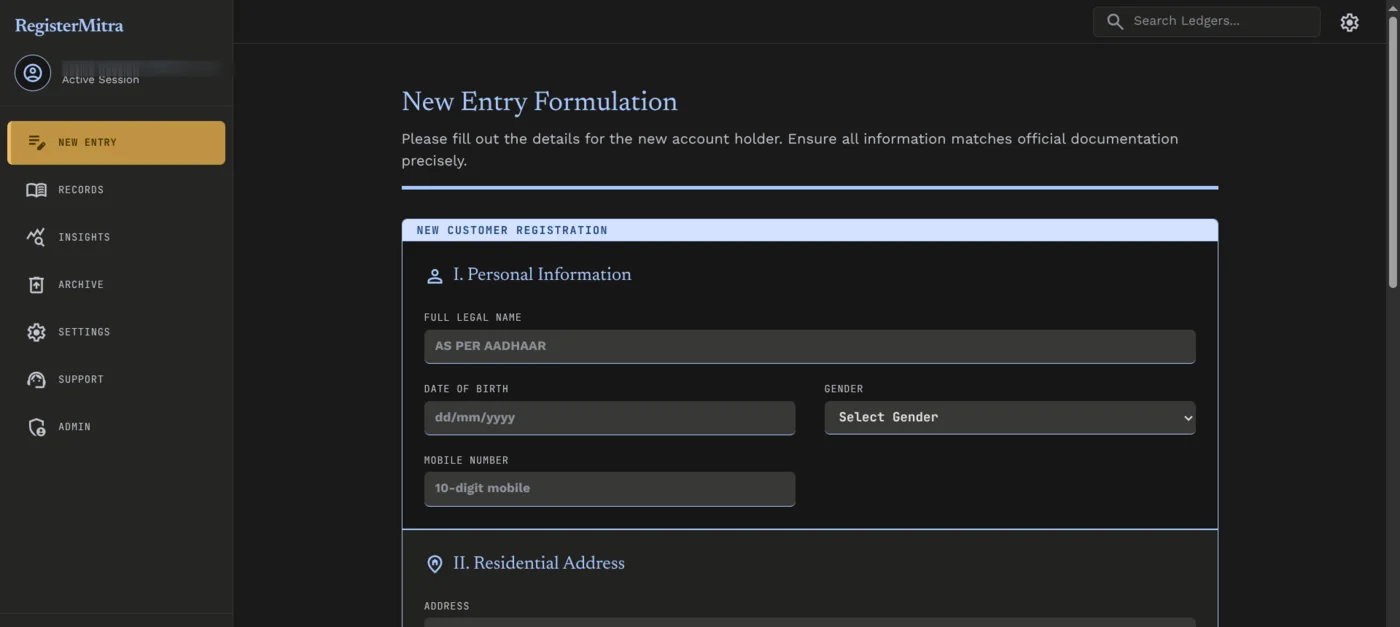
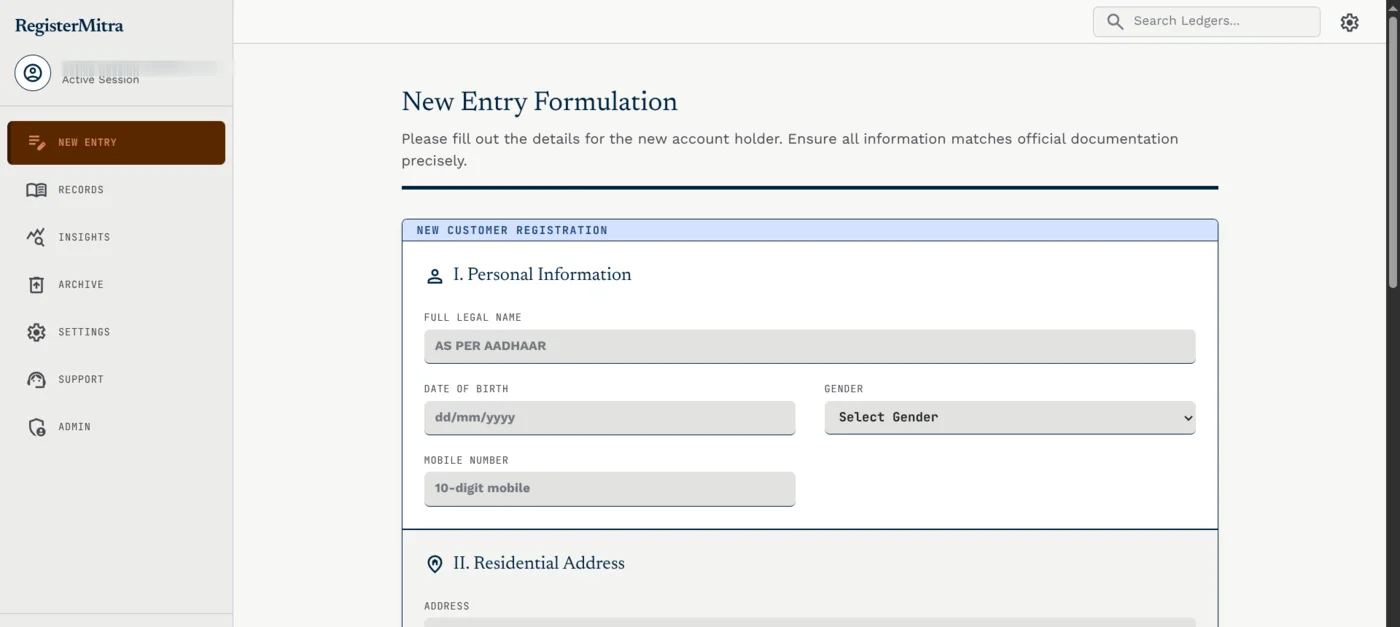
What it does
Five working parts, in the order a new agent runs into them.
- I.
Sign in with Google
No account to create and no password to remember or reset.
- II.
Your own Google Sheet
Every entry is written to a spreadsheet in your own Drive, not a database you can't see or export.
- III.
Duplicate and Aadhaar checks
A new entry is checked against existing records before it is saved.
- IV.
Subscription billing
A paid plan turns on a tenant workspace of your own.
- V.
Installable PWA
Installs like an app, on a laptop or a phone.
Then the daily register
What an agent uses once the customers are in.
Search and filters
Find a customer by name, phone, account or Aadhaar, and filter by scheme, signature check or opening date.
Bulk actions
Select the matches and enroll them all in PMSBY, PMJJBY or APY at once.
Print and export
Print chosen records and columns as a table or one page per customer, or export them as CSV.
Archive, not delete
Deleting moves a record to an Archive sheet, where it can be restored or removed for good.
Backups in your sheet
About once a week the customer list is copied to a dated backup tab in the same spreadsheet.
Bulk import
Upload a CSV and preview what will import, skip or warn before anything is written.
Sign in, subscribe, done
Getting a workspace is three steps, and every one of them starts on this screen.
- 01Sign in with Google. That's the only identity RegisterMitra asks for.
- 02Subscribe. A paid plan is what turns a sign-in into a tenant.
- 03Your workspace is ready, backed by a spreadsheet created in your own Google Drive.